Sponsored by the National Association of Photoshop Professionals. Learn More
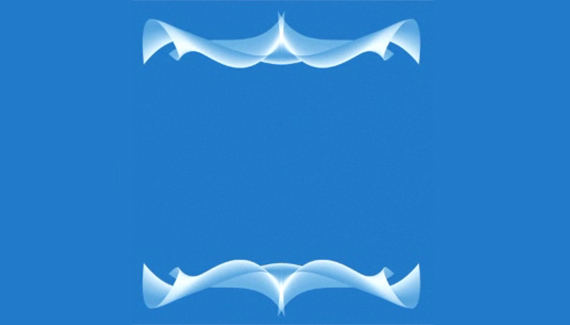
Creating cool abstract shapes using the warp tool.
Corey Barker is Executive Producer of PlanetPhotoshop.com and is an Education and Curriculum Developer for the National Association of Photoshop Professionals. He has earned numerous Photoshop awards in design and illustration and has contributed writing to Photoshop User Magazine and PhotoshopElementsUser.com. Corey has also made numerous appearances on the highly rated podcast, Photoshop TV.
RSS feed for comments on this post. TrackBack URI
Recreate the text effect from the title to the new blockbuster movie.
Continue exploring the possibilities with Photoshop’s new 3D tools.
Corey shows you how to make a new photo look damaged by blending in some unusual textures.
Use Photoshop’s new 3D tools to create some dazzling background effects.
When I’m done working with an image, I like to sit and admire it (hey, I spent six hours working on it, I should). To do that, I hit the Tab key, then hit the F key three times. This hides all of the panels and toolbars and lets you see the image by itself surrounded by black. To get back to regular mode, press the F key and the Tab key one more time.
Venkatx5 said on — May 8, 2008 @ 4:03 am
Very Nice Tutorial.. I thought these kind of design take hours. But Now i learnt it’s so Eazy. I hope Microsoft Silverlight Wallpapers are designed with this Technique..
raziq said on — February 14, 2009 @ 12:37 am
i realy like this one thanks. I like your ideas very much it helped me alone once again thanks.