Sponsored by the National Association of Photoshop Professionals. Learn More
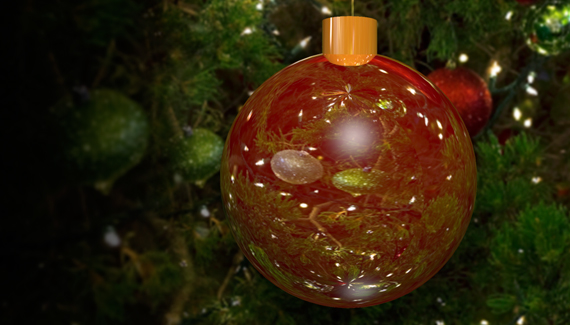
Corey shows how to create reflective holiday ornaments using 3D in Photoshop.
RSS feed for comments on this post. TrackBack URI
As a special Valentine’s Day bonus, here is a cool 3D technique for getting realistic foil balloon. All from scratch!
Corey shows you how to re-create the graphic effect from the new Bourne Legacy movie poster. With an extra twist!
Corey has a cool trick for creating a flare brush and see how one effect can lead to another.
See how you can add some subtle touches to give that green screen studio shot the Hollywood treatment.
If you have a multilayer composition and you
want to apply an effect to all the layers at once, don’t flatten the layers–use a composite layer instead. Hide the layers you want excluded, and press Shift-Command-Option-E (PC: Shift-Ctrl-Alt-E). A new layer will be created at the top containing a merged copy of all the visible layers.
Another option is to create a new layer at the top of the stack and make it active. Command-click (PC: Ctrl-click) each layer you want to include to make those layers active, as well. Press Option-Command-E (PC: Alt-Ctrl-E).
by Colin Smith
Denise said on — December 17, 2011 @ 9:59 am
Just in time to make that special Chrstmas card Thankyou and a very merry Chrstmas to you Corey