Sponsored by the National Association of Photoshop Professionals. Learn More

Stroking A Path with A Custom Brush


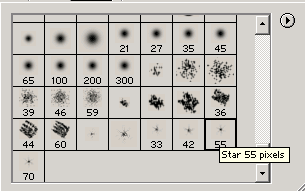
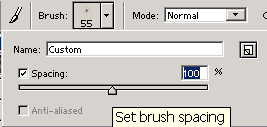
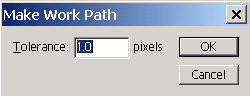
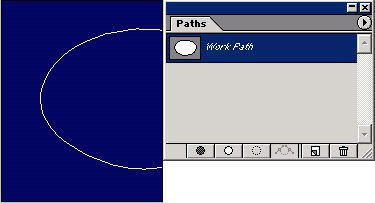
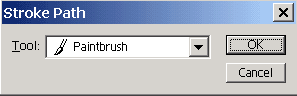
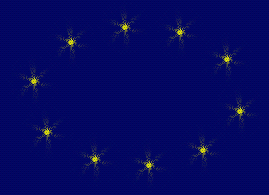
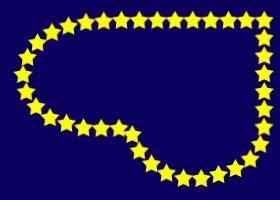
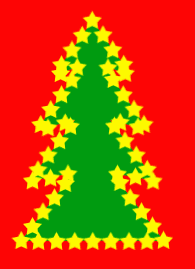
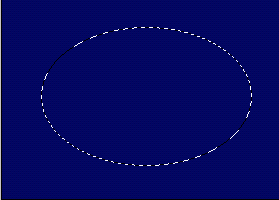
Lately I have had a few people asking me if it is possible to create dotted lines in the shape of an oval. I thought, “why not go the extra mile”, and show you how to apply a custom brush to any shape! Why not add a few stars for Christmas.

1 Comment

  1. Bob Murray said on — November 1, 2008 @ 4:51 am

    Concise and easy. Combining shapes and brushes has endless possibilities.

RSS feed for comments on this post. TrackBack URI

Leave a comment

Create A Composite Layer

If you have a multilayer composition and you
want to apply an effect to all the layers at once, don’t flatten the layers–use a composite layer instead. Hide the layers you want excluded, and press Shift-Command-Option-E (PC: Shift-Ctrl-Alt-E). A new layer will be created at the top containing a merged copy of all the visible layers.

Another option is to create a new layer at the top of the stack and make it active. Command-click (PC: Ctrl-click) each layer you want to include to make those layers active, as well. Press Option-Command-E (PC: Alt-Ctrl-E).
by Colin Smith

Read More Tips

Tip of the Day
 
 
Kelby Training