I just have to say I am in love with Corey Barker! I got PS CS3 a few weeks ago and have been completely frustrated until today. After coming across this site I have gone through four tutorials and have created wonderful artwork with my pictures in a single day. I couldn’t be more pleased. Thank you so much for sharing your knowledge and providing these amazing tutorials. You have certainly made my purchase of PS CS3 worth every penny!
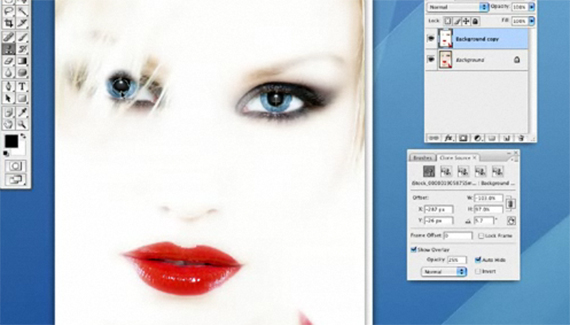



Good practical clone-source info for retouching problem areas. I can use the tip on many of my photos. Many thanks, Corey!
I just have to say I am in love with Corey Barker! I got PS CS3 a few weeks ago and have been completely frustrated until today. After coming across this site I have gone through four tutorials and have created wonderful artwork with my pictures in a single day. I couldn’t be more pleased. Thank you so much for sharing your knowledge and providing these amazing tutorials. You have certainly made my purchase of PS CS3 worth every penny!
awesome technique!!!!!